
Top 5 app edit ảnh mobile Gen Z VN 2026 — Lightroom, Snapseed, VSCO, Picsart, Photoshop
Top 5 app edit ảnh mobile Gen Z VN 2026 — Lightroom Mobile, Snapseed free, VSCO, Picsart, Photoshop Mobile.
Mục lục (57 mục)
Tóm tắt nhanh
| Hạng mục | App | Best for |
|---|---|---|
| 🏆 Pro all-in-one | Lightroom Mobile | RAW + presets |
| 💎 Free pro | Snapseed | Free + powerful |
| 💰 Vintage aesthetic | VSCO | Film filter |
| 🌟 Creative + collage | Picsart | Effects + stickers |
| 🔥 Layer + advanced | Photoshop Mobile | Compositing |
Vì sao mobile editing
Phone camera quality 2026:
- iPhone 16 Pro / Galaxy S25: rivals DSLR many cases
- Multi-lens systems (ultra-wide, tele)
- Computational photography
- Edit on-device powerful
Mobile editing benefits:
- Share instant
- Travel + on-the-go
- Phone screen good color
- Apps mobile-optimized
Vs desktop:
- Less control fine detail
- Smaller workspace
- Battery + storage limit
- Mobile is enough most casual
Top 5 chi tiết
1. Adobe Lightroom Mobile
Thông số:
- Free + Premium tier
- RAW support
- Presets community
- Sync with desktop (with subscription)
Ưu điểm:
- Industry standard
- Powerful tone + color controls
- Preset community thousands
- Healing brush (Premium)
- Cloud sync devices
Nhược điểm:
- Subscription $5/month for premium features
- Some features behind paywall
- Heavier app
Phù hợp với: Pro / aspiring pro, RAW shooters, consistent workflow.
Premium features ($5/month):
- Healing brush remove objects
- Cloud storage 1TB
- Sync desktop
- Discover community
2. Snapseed (Google)
Thông số:
- 100% free no ads
- Comprehensive tools
- Selective edit
- HDR enhancement
Ưu điểm:
- Free entirely
- All tools available
- Selective brush adjustments
- Healing tool
- Tutorial built-in
Nhược điểm:
- No cloud sync
- No social feature
- Less preset community
Phù hợp với: Beginners, free option, all-around.
Features highlight:
- Tune image (basic adjustments)
- Selective (point-based adjustment)
- Healing (remove object)
- HDR Scape (drama enhancement)
- Lens Blur (depth of field)
3. VSCO (vintage / film aesthetic)
Thông số:
- Free + Premium tier
- Film-inspired filters
- Subtle aesthetic
- Social platform integrated
Ưu điểm:
- Best film-inspired filters
- Subtle minimalist aesthetic
- Strong Gen Z aesthetic
- Community-focused
Nhược điểm:
- Free filters limited
- Premium $30/year for all
- Less powerful editing
- Social aspect not for everyone
Phù hợp với: Aesthetic shooters, film look, lifestyle content.
Preset packs:
- A4-A6 (popular muted)
- KP series (film simulation)
- HB1-HB2 (vintage)
- C1-C9 (color saturated)
4. Picsart (creative + effects)
Thông số:
- Free + Premium
- Stickers + effects
- Collage tools
- AI features
Ưu điểm:
- Most creative tools
- AI editing features
- Stickers library massive
- Collage easy
Nhược điểm:
- $4.66/month premium
- Ads in free version
- Less professional grade
- Steep learning curve features
Phù hợp với: Creative content, Instagram stories, fun edits.
Unique features:
- AI effects + filters
- Stickers + text
- Background removal
- Body editor (controversial)
- Cutout tool
5. Adobe Photoshop Mobile (Photoshop Express / new Photoshop iPad app)
Thông số:
- Free with limitations
- Premium $5/month
- iPad version newer features
Ưu điểm:
- Photoshop power on mobile
- Layer support (iPad)
- Spot healing
- Designer-friendly
Nhược điểm:
- iPad full version best
- iPhone limited
- Subscription required full features
Phù hợp với: Photoshop users who want mobile companion, layered editing.
Bonus apps worth mentioning
Darkroom:
- Subscription $4/month
- Beautiful UI
- Cinema-grade tools
- Mac + iOS sync
Pixaloop:
- Animate still photos
- Sky replace
- Motion graphics
Facetune:
- Portrait retouching specifically
- $8/month
- Quality photos retouch
Tezza:
- Aesthetic film filters
- Vintage Y2K
- Gen Z popular
Photo editing workflow
Basic edit flow:
- Crop + Straighten
- Exposure (brightness, shadows, highlights)
- Color (white balance, saturation, vibrance)
- Detail (sharpening, noise reduction)
- Tone (curves, color grading)
- Effects (vignette, grain optional)
- Export (resolution + format)
Advanced workflow:
- Use Lightroom presets as base
- Refine selectively (Snapseed Selective)
- Final touches Photoshop / Snapseed
- Export with smaller size for social
Specific aesthetic guides
Aesthetic 1: "Clean girl"
- Warm tone slight
- Lift shadows
- Reduce saturation 5-10%
- Add slight grain
- Skin tone natural
Khuyên dùng: Lightroom + warm preset, or VSCO A4.
Aesthetic 2: Y2K vintage
- Push saturation high
- Add cyan / orange tint
- Increase grain heavy
- Slight blur edges
Khuyên dùng: Tezza Y2K presets, VSCO A6, Picsart filters.
Aesthetic 3: Travel / Wanderlust
- Boost vibrance natural
- Enhance blue sky
- Punchy greens
- Cinematic dark shadows
Khuyên dùng: Lightroom community presets travel.
Aesthetic 4: Food photography
- Increase warmth slightly
- Boost saturation natural colors
- Enhance texture
- Clean white background
Khuyên dùng: Lightroom food-specific, Snapseed details.
Aesthetic 5: Editorial / Magazine
- Reduce saturation 10-15%
- Enhance contrast
- Cool shadows + warm highlights
- Cinematic black bars
Khuyên dùng: Lightroom curves + color grading.
Edit on phone tips
Color calibration:
- Bright screen full brightness
- Color accurate setting
- True Tone OFF for accurate
- Battery saving mode OFF
Cropping:
- 1:1 Instagram square
- 4:5 vertical feed (more space)
- 9:16 stories / reels
- 3:2 print classic
Export quality:
- Save full resolution
- JPEG 90-100% quality
- HEIC for iOS efficiency
- Direct share lower quality OK
Storage organization
Apple Photos:
- Smart albums
- Face recognition
- Search by content
- iCloud sync
Google Photos:
- Unlimited HD storage past
- Now 15GB free
- AI suggestions
Dedicated apps:
- Mylio Photos (offline-first)
- Adobe Lightroom Cloud ($10/month 1TB)
- Synology Drive (self-host)
RAW vs JPEG editing
JPEG:
- Smaller file size
- Less flexibility editing
- Color processed in-camera
- Most cameras default
RAW:
- Larger file size
- More editing latitude
- Color grade extensive
- Better for serious editing
Phones supporting RAW:
- iPhone Pro models (ProRAW)
- Galaxy S Pro models
- Pixel
- Process more flexible
Color grading basics
White balance:
- Warm: yellow / orange (sunset)
- Cool: blue (overcast)
- Match light source
Saturation vs Vibrance:
- Saturation: all colors
- Vibrance: muted colors only
- Vibrance more subtle natural
Highlights + Shadows:
- Highlights: bright areas
- Shadows: dark areas
- Recovery + fill light
Curves:
- Master curve overall tone
- RGB curves color tinting
- S-curve add contrast
Sai lầm phổ biến
| ❌ Sai | ✅ Sửa |
|---|---|
| Over-saturate everything | Vibrance instead |
| Heavy filter every photo | Subtle consistent edit |
| Blue sky neon | Natural blue range |
| Skin orange tone | White balance neutral |
| Skip composition | Crop + straighten first |
Smartphone camera + Edit combo
iPhone:
- Apple ProRAW (Pro models)
- ProRes video
- Edit Lightroom Mobile
- Sync Mac powerful
Samsung:
- Expert RAW app
- Good editing capability
- Sync Galaxy ecosystem
Pixel:
- Best computational photography
- Magic Eraser built-in
- AI features advanced
Print quality consideration
Resolution:
- 300 DPI print quality
- Most phones 4000+ pixels wide
- Excellent print up to 11×14"
Color profile:
- sRGB for screen + most prints
- AdobeRGB wider gamut
- ProPhoto RGB widest
Export for print:
- Highest quality JPEG
- TIFF for color labs
- Embed color profile
Privacy + Photos
Metadata:
- GPS location embedded photos
- Strip before share online
- Apps: ExifTool Mobile
Cloud privacy:
- Apple end-to-end encryption (iCloud Advanced Data Protection)
- Google scans content
- Privacy-conscious: ProtonDrive
Tools accessories
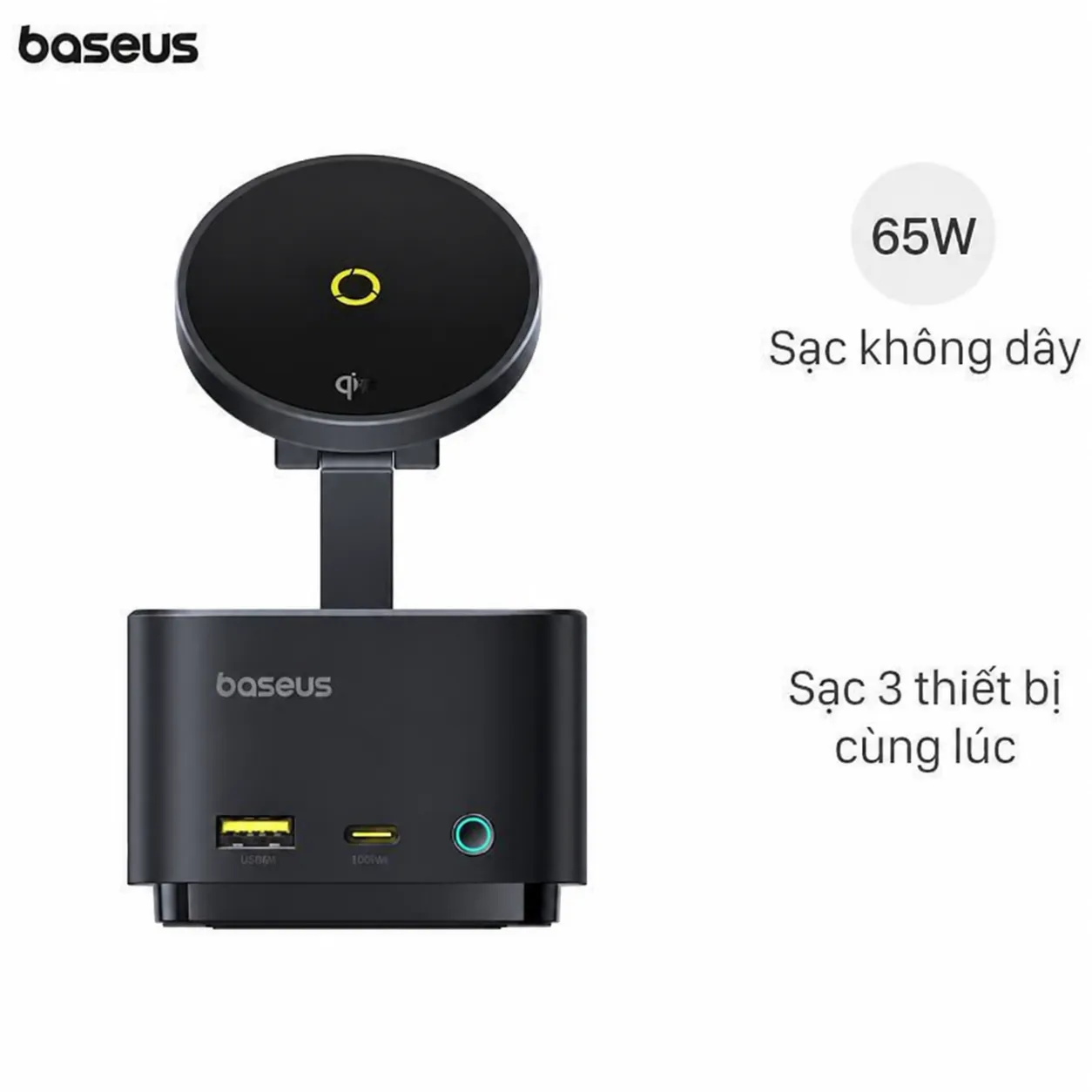
Baseus USB-C hub — connect SD card readers transfer DSLR / camera photos.
Bảo quản:
- SD cards 128GB+ for RAW
- External SSD for archive
- Cloud backup essential
Cost comparison apps
Free comprehensive:
- Snapseed
- Photoshop Express (limited)
- VSCO (basic)
- Picsart (with ads)
Subscription ($5/month):
- Lightroom Mobile + Photoshop Express
- Picsart Premium
- Darkroom
One-time:
- Pixelmator Photo $5
- Affinity Photo iPad $20
- Procreate (drawing $13)
FAQ chi tiết
Edit trên phone đủ pro không?
Yes for most use cases. Apple iPhone Pro + Lightroom Mobile produces magazine-quality. Pros sometimes touch up desktop final.
Subscription Lightroom worth không?
If serious shooter yes ($5-10/month). Cloud sync + 1TB storage + advanced features. Casual users: Snapseed free adequate.
Best preset where buy?
- Lightroom community (free + paid)
- Etsy presets ~$5-20
- Tezza, VSCO, Mango Streets
- Try before buy collection
Mua app từ App Store / Play Store chính hãng?
Yes, official only. Avoid:
- Modded APK
- Free "premium" pirated
- Lifetime "deal" suspicious