
Hướng dẫn··7 phút đọc·NenMua Editor
Cách tối ưu Windows 11 cho gaming + productivity Gen Z VN 2026
Cách tối ưu Windows 11 cho gaming + productivity Gen Z VN 2026 — settings, debloat, drivers, performance.
Mục lục (89 mục)
Tóm tắt nhanh — Windows 11 essentials
| Setting | Goal |
|---|---|
| Startup apps | Reduce boot time |
| Power plan | Max performance |
| Visual effects | Off for speed |
| Background apps | Limit |
| Storage | Manage 80%+ free |
| Antivirus | Defender or quality |
Vì sao optimize Windows 11
Default settings:
- Decent but not optimized
- Multiple background tasks
- Visual effects excess
- Pre-installed bloatware
Optimization benefit:
- Faster boot
- Better gaming FPS
- More productive
- Cleaner experience
Startup apps
Lộ trình:
- Settings → Apps → Startup
- Or Task Manager → Startup tab
Disable:
- Spotify
- Discord
- Steam
- Adobe Updater
- OneDrive (if not used)
- Skype
- Razer Synapse (background)
Keep enabled:
- Antivirus
- Audio drivers
- Touchpad driver
- Display driver
Boot time: 30-50% faster after.
Visual effects
Lộ trình:
- Settings → Accessibility → Visual Effects
- Animation effects: OFF
- Transparency effects: OFF
Or run "sysdm.cpl":
- Advanced → Performance Settings
- "Adjust for best performance"
UI responsiveness: +20% feels snappier.
Background apps
Lộ trình:
- Settings → Apps → Installed apps
- Click 3 dots each app
- Advanced options → Background app permissions → Never
Disable common:
- Maps
- Photos
- Weather
- Movies & TV
- Solitaire
Keep enabled:
- Messaging apps
- Critical work apps
- Banking apps
Power plan
Settings → System → Power & Battery
Plugged in:
- High Performance
- Or Best Performance
Battery (laptop):
- Best Power Efficiency
- Battery Saver < 30%
Advanced (advanced users):
- powercfg.cpl
- High Performance plan
- Or Ultimate Performance (custom)
Storage management
Lộ trình:
- Settings → System → Storage
Storage Sense:
- ON
- Schedule weekly
- Auto-clean temp files
Manual cleanup:
- Disk Cleanup utility (cleanmgr)
- Free 5-20GB easily
- Empty Recycle Bin
- Clear cache browsers
Công cụ:
- CCleaner (free version)
- BleachBit (open source)
- TreeSize Free (find large files)
Defrag (HDD only)
For HDD users:
- Settings → Storage → Drives
- Optimize drives
- Schedule weekly
SSD users:
- TRIM (auto)
- Don't defrag SSD (damages)
Software updates
Windows Update:
- Settings → Windows Update
- Auto download (recommended)
- Update available weekly
Driver updates:
NVIDIA:
- GeForce Experience
- Or NVIDIA driver only (without GeForce app)
AMD:
- AMD Adrenalin
Intel:
- Intel Driver & Support Assistant
Game Mode
Lộ trình:
- Settings → Gaming → Game Mode
- ON
Captures:
- Disable Background recording (saves resource)
Game-specific:
- Settings → Display → Graphics
- Add game → Options → High performance
Lightweight alternatives
Browser:
- Brave (privacy + fast)
- Edge (Chromium-based, optimized)
- Firefox (open source)
Mail:
- Mailspring
- Thunderbird (open source)
Notes:
- Notion
- Obsidian (markdown)
Office:
- LibreOffice (free)
- Or Microsoft Office (subscription)
Antivirus
Built-in Defender:
- Adequate for most users
- Free
- Built-in
Third-party:
- Bitdefender (premium)
- Kaspersky (cheaper)
- Avast (free + paid)
Don't run both: conflict.
Privacy settings
Settings → Privacy & Security:
Limit:
- General → toggle off advertising ID
- Speech → disable speech recognition
- Inking & typing personalization → off
- Diagnostics → required only
- Activity history → off
Common bloatware
Remove (Windows):
- Xbox Game Bar (if not gaming)
- Cortana
- Microsoft Teams (consumer)
- Mixed Reality Portal
- 3D Viewer / Paint 3D
Tool:
- Windows10Debloater (PowerShell)
- O&O ShutUp10++
Page file / Virtual memory
Lộ trình:
- Run "sysdm.cpl" → Advanced
- Performance Settings → Advanced
- Virtual Memory Change
Setting:
- Initial size = 1.5x RAM
- Maximum size = 3x RAM
- Or auto-manage (default OK most)
Indexing
Disable if not used:
- File Explorer → C: drive → Properties
- Uncheck "Allow files to be indexed"
- Apply to all subfolders
Or:
- services.msc → Windows Search → Manual / Disabled
Use Everything app instead (better search).
Performance tools
Free essentials:
- CrystalDiskInfo (drive health)
- HWMonitor (CPU/GPU temp)
- CCleaner Free (cleanup)
- Process Explorer (advanced task manager)
- Everything (instant search)
- PowerToys (window snapping + utilities)
- f.lux (blue light filter)
Gaming optimization
NVIDIA settings:
- Power management: Maximum performance
- Image scaling: Off
- DLSS supported games: ON
- Frame generation supported: ON
AMD:
- Adrenalin highest performance
- Image sharpening
- Anti-lag
In-game:
- Lower settings if FPS drop
- DLSS / FSR on
- Frame generation if supported
Display settings
Refresh rate:
- Settings → Display → Advanced display
- Choose refresh rate (144Hz, 240Hz monitor)
Color profile:
- Default usually OK
- Calibrate if professional
Night Light:
- Schedule sunset
- Reduce blue light evening
- Less eye strain
Productivity tools
PowerToys:
- FancyZones (window snap)
- PowerToys Run (Spotlight equivalent)
- Image Resizer
- Keyboard Manager
Cortana / Search:
- Quick app launch
- Win key + type
Multiple desktops:
- Win + Tab
- Drag windows between
- Workspace organize
Browser optimization
Chrome:
- chrome://settings/performance
- Memory Saver: ON
- Energy Saver: ON
- Extensions limit (< 10 active)
Edge:
- edge://settings/performance
- Efficiency mode
- Limit background apps
Firefox:
- about:config
- browser.cache.disk.size: 256000
- Multiprocess limit
Email + Communication
Mail apps:
- Mailspring
- Thunderbird (open source free)
- Outlook (Microsoft)
Giao tiếp:
- Slack
- Discord
- Microsoft Teams (work)
Backup strategy
File History (built-in):
- Settings → Update & Security → Backup
- Add drive external
- Schedule auto
Cloud:
- OneDrive (Microsoft 365)
- Google Drive
- Dropbox
- Backblaze
Local:
- External SSD/HDD
- Time Machine equivalent
- 3-2-1 rule
Health tracking
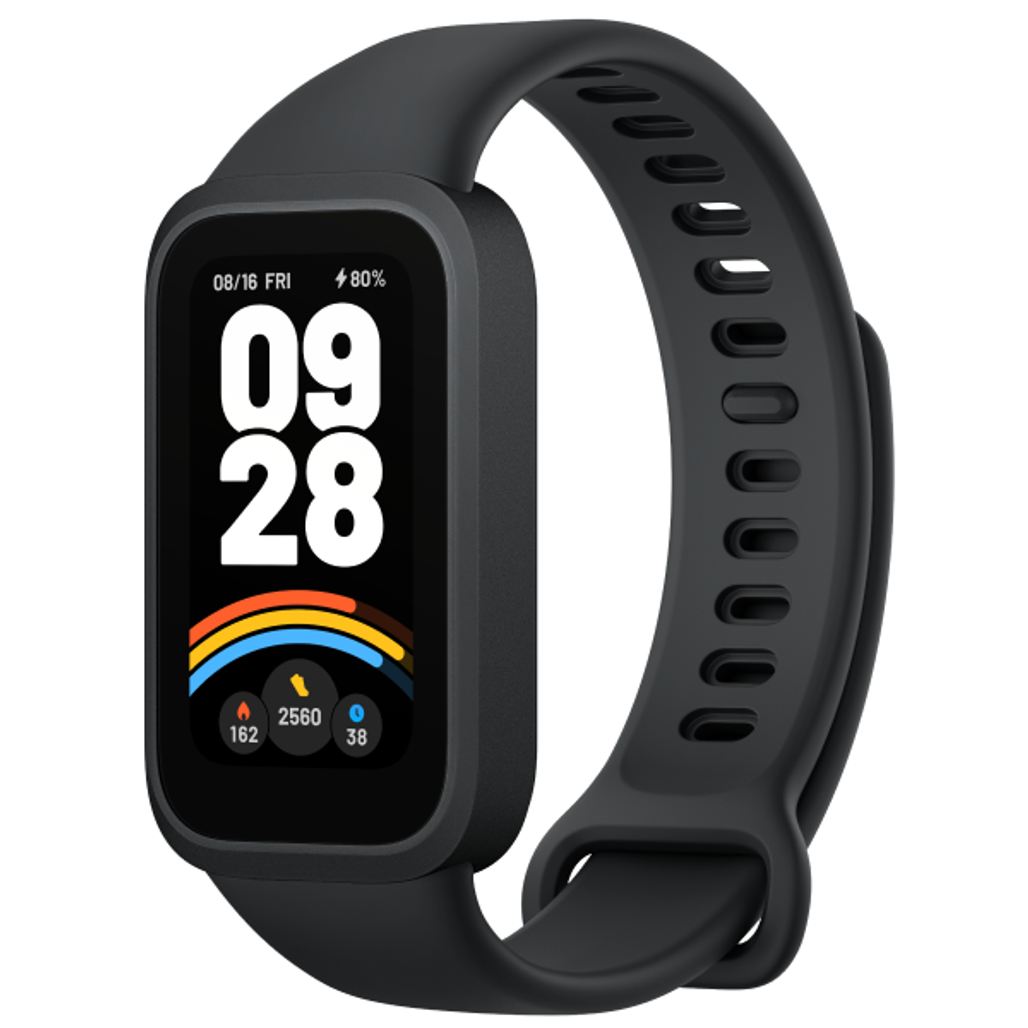
Mi Band 9 — pair with Windows for activity tracking.
Break reminders:
- Stretchly
- WorkRave
- Built-in Windows reminders
20-20-20:
- Look 20ft every 20 min
- Reduce eye strain
- Stand each hour
Security essentials
2FA:
- Email primary
- Banking
- Cloud accounts
- Use authenticator app
Password manager:
- 1Password ($3/month)
- Bitwarden (free)
- Master password strong
Network:
- WPA3 router
- Strong Wi-Fi password
- Avoid public Wi-Fi unprotected
Sai lầm phổ biến
| ❌ Sai | ✅ Sửa |
|---|---|
| Skip startup app management | Trim regularly |
| Multiple antivirus | Choose 1 (Defender OK) |
| Power saver gaming | High Performance plugged in |
| Bloatware accumulate | Audit + remove |
| Visual effects on | Off for performance |
When fresh install Windows
Sign needed:
- Severe lag no fix
- Malware persistent
- Multiple BSOD per week
- Free space critical
Backup first:
- Documents
- Photos
- Browser bookmarks
- Game saves
- License keys
Công cụ:
- Media Creation Tool (Microsoft)
- Rufus + ISO
- 30 phút install modern SSD
Linux as alternative
Consider Linux:
- Older PC (less resource)
- Developer
- Privacy-focused
- Free + customize
Popular Linux:
- Ubuntu (beginner)
- Mint
- Fedora
- Manjaro
- Pop OS (gaming)
FAQ chi tiết
Windows 11 yêu cầu spec cao không?
- 4GB RAM minimum
- 64GB storage
- Modern CPU (8th gen Intel, AMD)
- TPM 2.0
If incompatible: stay Windows 10 or upgrade hardware.
Antivirus 3rd party hay Defender?
Defender free + adequate. Paid useful for:
- Doanh nghiệp
- Sensitive data
- Family multiple PCs
Update Windows tự động OK không?
Yes, recommended:
- Security patches
- Bug fixes
- New features
- Set off-hours
Mua Windows license chính hãng?
- Microsoft Store official
- Authorized retailers
- ~3tr OEM license