
Cách tối ưu pin laptop Gen Z VN 2026 — 8-10h work + game không cắm sạc
Cách tối ưu pin laptop Gen Z VN 2026 — Windows + Mac settings, app drain pin, custom power plan, charging habits.
Mục lục (45 mục)
Tóm tắt nhanh — 10 setting bắt buộc
| # | Setting | Tiết kiệm |
|---|---|---|
| 1 | Brightness 40-60% | 25% pin |
| 2 | Refresh rate 60Hz (không 144Hz) | 15% pin |
| 3 | Disable RGB keyboard | 8% pin |
| 4 | Power plan Best Power Efficiency | 15% pin |
| 5 | Disable background app | 12% pin |
| 6 | WiFi không Bluetooth | 5% pin |
| 7 | Dark mode | 8% pin OLED |
| 8 | Tab Chrome dưới 10 | 10% pin |
| 9 | External monitor off | 10% pin |
| 10 | Standby thay shutdown | 5% pin |
→ Tổng ~50-70% pin extra so với default.
Vì sao pin laptop chết nhanh
Yếu tố:
- Display = drain biggest (40-50%)
- CPU + GPU = 30%
- Background app = 15%
- Connectivity (WiFi, BT) = 5%
- RAM + SSD = 5%
Habit drain pin:
- 100+ tab Chrome
- Background Slack, Discord, Spotify chạy
- Brightness 100%
- RGB keyboard sáng
- External monitor connected
Windows 11 Optimization
Bước 1: Power plan
- Settings → System → Power & Battery
- Power Mode: Best Power Efficiency
- Custom plan: Battery Saver auto < 30%
Bước 2: Display
- Brightness 40-60% (auto theo môi trường)
- Refresh rate 60Hz (battery), 120/144Hz (sạc)
- Settings → Display → Advanced display → Choose refresh rate
Bước 3: Background app
- Settings → Apps → Installed apps
- Khoanh từng app → Advanced options → Background app permissions → Never
Apps thường drain:
- Spotify (chạy ngầm)
- Discord (voice connect drain)
- Slack
- OneDrive (sync continuous)
Bước 4: Startup app
- Task Manager → Startup tab
- Disable: anything không daily essential
- Keep: antivirus, audio driver
Bước 5: Disable RGB / keyboard backlight
- Manufacturer software (iCue, ASUS Aura)
- Set RGB off khi battery
- Or hotkey FN+F-key turn off
Bước 6: Bluetooth + WiFi
- Disable Bluetooth khi không pair
- Forget WiFi networks không dùng
- Airplane mode khi không cần internet
Bước 7: Animation off
- Settings → Accessibility → Visual effects
- Turn off Animation effects
- Tiết kiệm GPU usage
macOS Optimization
Bước 1: Energy Saver
- System Settings → Battery
- Enable Low Power Mode
- Optimize Battery Charging on
Bước 2: Display
- Brightness auto adjust on
- True Tone on
- ProMotion 60Hz manual nếu MBP 14/16
Bước 3: Activity Monitor
- Check Energy tab
- Quit apps high energy impact
- Common drain: Chrome, Slack, Zoom
Bước 4: Background app refresh
- System Settings → Privacy & Security
- Background Refresh: only essential
Bước 5: Spotlight + iCloud
- Spotlight: exclude folders large
- iCloud Drive: pause sync khi battery
Browser optimization
Chrome / Edge:
Extensions remove:
- Memory hog: AdBlock (use uBlock Origin instead)
- Disabled but installed: remove
- Total < 10 active
Tabs:
- < 15 tabs simultaneous
- The Great Suspender (auto pause inactive)
- Or close tabs sau 30 phút inactive
Settings:
- chrome://settings/performance
- Energy saver: ON
- Memory saver: ON
Safari (Mac):
- Better battery vs Chrome ~30%
- Privacy reports
- Reader mode auto
Firefox:
- Battery comparable Safari
- Containers extension reduce drain
Game / Heavy app
Game battery tips:
- Lower graphics settings
- Cap FPS 60 (battery)
- Disable G-Sync / VRR
- External GPU power adapter
Video editing:
- Cắm sạc luôn
- Proxy media (lower res)
- Background render only
Coding:
- VS Code 1 instance
- Close unused terminal
- Live server only when needed
Sạc nhanh + charger
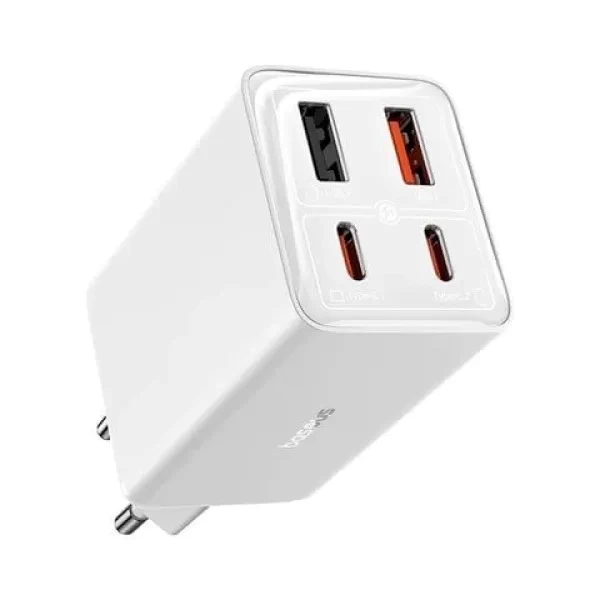
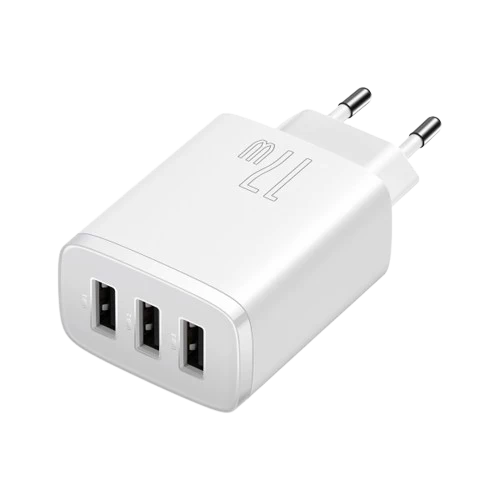
Baseus GaN 65W — USB-C PD, fast charge laptop + phone, compact for portable use.

UGreen GaN charger — multi-port, smaller than OEM charger.
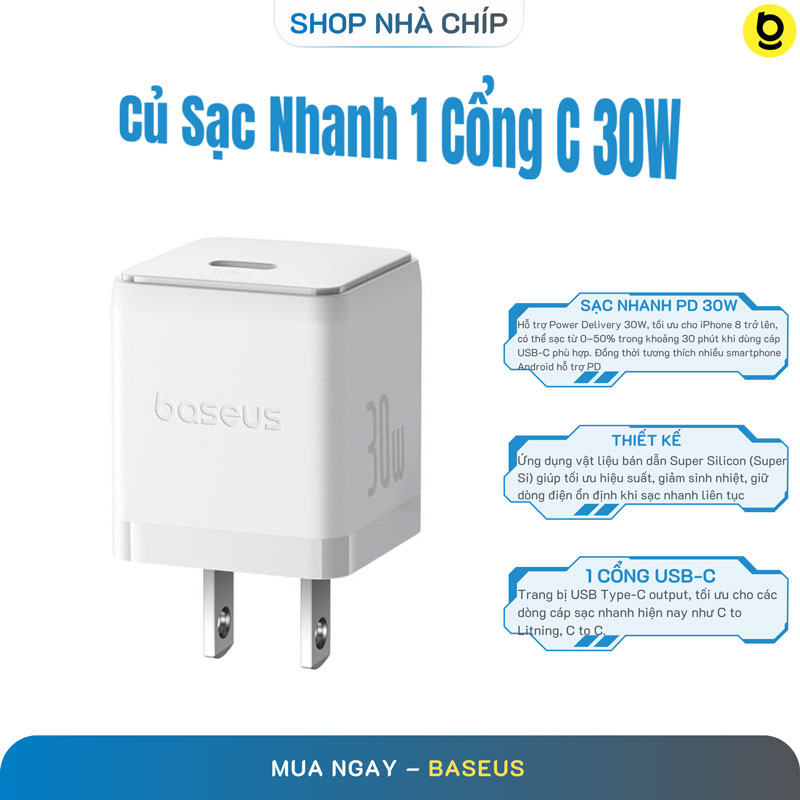
Baseus charger options for various wattage.
Lựa chọn charger:
- Original brand laptop (OEM): safest, đắt
- GaN third-party (Anker, UGreen, Baseus): smaller, lighter, work tốt với PD
Wattage match:
- MacBook Air M1/M2/M3: 30W đủ, 65W faster
- MacBook Pro 14: 67-96W
- MacBook Pro 16: 140W
- Windows laptop ultrabook: 65W typical
- Gaming laptop: 230W+ thường
Battery health long-term
Cycle count:
- Laptop battery 500-1000 cycles
- 1 cycle = 100% drain (có thể từ 100→50 + 100→50)
- Sau 500 cycle còn ~80% capacity
- Sau 1000 cycle còn ~70%
Charging habits:
Tốt:
- 20% → 80% cycle (sweet spot)
- Topping off OK (small charge)
- Optimized charging on (Mac)
- 80% Battery Charge Limit (Windows Lenovo, ASUS)
Tránh:
- 0% deep discharge
- 100% storage (>1 tháng)
- High heat charging
- Cắm 24/7
Storage long-term:
- Charge 40-60%
- Cool dry place
- Check every 3 tháng
- Top off if dropped dưới 20%
App track pin
Windows:
- Battery Report: powercfg /batteryreport (Cmd)
- BatteryInfoView (Nirsoft) free
- HWMonitor
Mac:
- coconutBattery (free)
- Activity Monitor → Energy
- About this Mac → System Report → Power
Both:
- Cycle count, designed capacity, current capacity
- Track decay over time
- Replace battery when < 70% nếu critical
Travel + Pin power bank
Power bank laptop:
- Anker 737 (24000mAh, 140W) — USB-C PD ~3-4tr
- UGreen Nexode 145W ~2.5tr
- HyperJuice 245W ~5tr
Check laptop spec:
- USB-C PD support?
- Wattage requirement?
- Lithium / volt match?
Sân bay regulations:
- < 100Wh: carry-on OK
- 100-160Wh: airline approval
-
160Wh: ship cargo (mostly banned passenger)
Pin replace khi nào
Sign replace needed:
- Battery health < 70%
- Drain quá nhanh (1h fully charged → 50%)
- Phồng (swelling) — DANGER replace ngay
- Random shutdown khi pin 30-50%
Cost replace:
- MacBook battery: 3-6tr (Apple authorized)
- Windows laptop: 800k-2.5tr (Lazada / official)
- Self-replace: kit 500k-1tr (risk void warranty)
Setting outdoor / café
Café 4-6h work setup:
- Brightness 50%
- Refresh 60Hz
- WiFi only (no BT)
- Background app off
- Charger backup nếu work > 3h
Travel mode (flight):
- Airplane mode
- Brightness low
- Battery saver enabled
- Movie offline pre-download
Sai lầm phổ biến
| ❌ Sai | ✅ Đúng |
|---|---|
| Cắm sạc 24/7 | 20-80% cycle |
| Brightness 100% always | 40-60% indoor |
| 50 tab Chrome | dưới 15 active |
| RGB lit always | Off khi battery |
| Refresh 144Hz battery mode | 60Hz battery |
FAQ chi tiết
Sạc pin tới 100% có hại không?
100% short-term OK. Vấn đề: giữ 100% liên tục lâu (charging 24/7). Optimal: charge 80%, dùng đến 20%, charge tiếp.
Pin có cần "calibrate" không?
Modern lithium-ion KHÔNG cần calibrate manually. OS tự manage. Calibrate 1 lần/3-6 tháng OK nếu battery indicator off.
Battery saver mode hại pin không?
Không. Battery saver chỉ throttle CPU + dim screen. Lithium-ion không degrade thêm.
Mua charger third-party an toàn?
Có nếu brand uy tín: Anker, UGreen, Baseus, RAVPower. Tránh shop nhỏ no-name (fire hazard).