
Cách tối ưu storage iPhone + Android Gen Z VN 2026 — quản lý dung lượng
Cách tối ưu storage iPhone + Android Gen Z VN 2026 — manage photos, apps, cache. iCloud + Google Drive.
Mục lục (72 mục)
Tóm tắt nhanh — storage management
| Action | Save |
|---|---|
| Photo optimize | 50-70% |
| App cache clear | 5-10GB |
| Unused apps delete | 5-15GB |
| Music download remove | 2-5GB |
| Video / Photos cleanup | 10-30GB |
Vì sao storage matter
Common pain:
- Phone full alert
- Cannot take photos
- Cannot install apps
- Performance suffer
Cost:
- More storage costs $50-200 difference
- Cloud services solve cheaper
iPhone storage optimize
Check storage:
- Settings → General → iPhone Storage
- Wait for chart load
- See apps sorted by size
Photos optimize:
Settings → Photos:
- Optimize iPhone Storage ON
- Photos store in iCloud, optimized lower-res on device
- Saves 50-70% storage typically
Photos.app cleanup:
- Delete duplicates
- Remove screenshots old
- Photos Recently Deleted (30-day recovery)
- Empty Recently Deleted permanently
iCloud Photos:
- 5GB free
- 50GB ($1/month)
- 200GB ($3/month)
- 2TB ($10/month)
App storage:
Settings → General → iPhone Storage:
- Each app shows storage used
- Click → "Offload App" (keep data) or "Delete App"
- Common large apps: Photos, Messages, WhatsApp
Messages:
- Settings → Messages → Auto-delete old (1 năm, 30 days)
- Save old messages to backup
- Reduces storage 5-15GB
Âm nhạc:
- Apple Music: Download only listening
- Remove downloads old
- Streaming default
Other:
- Mail attachments
- Browser history + cache
- Voice memos old
Android storage optimize
Check:
- Settings → Storage
- See breakdown apps + media
Ứng dụng:
- Settings → Apps
- Sort by size
- Uninstall unused
- Clear cache regularly
Photos backup:
- Google Photos auto-backup
- Quality: "Saver" (slightly compressed)
- Auto-delete after backup option
Files:
- Files by Google (built-in)
- Identify duplicates
- Delete large unused
Downloads:
- Downloads folder cleanup
- WhatsApp media old delete
- Telegram cache clear
Common storage hogs
Ứng dụng:
- WhatsApp / Telegram (media)
- Instagram (cache)
- TikTok (cache)
- Spotify (downloads)
- Apple Music
Files:
- Photos high-quality
- Videos 4K
- Music downloads
- App caches accumulated
Cloud storage options
iCloud (Apple):
- 5GB free
- 50GB ($1/month)
- 200GB ($3/month)
- 2TB ($10/month)
Google Photos:
- 15GB free
- 100GB ($2/month)
- 200GB ($3/month)
- 2TB ($10/month)
iCloud Drive:
- Sync Mac + iPhone
- File system access
- Documents stored
Google Drive:
- 15GB free
- Same pricing tiers
Dropbox:
- 2GB free
- $11/month 2TB
OneDrive:
- 5GB free
- 100GB ($2/month)
- With Microsoft 365 1TB ($7/month)
Photo management
iOS Photos app:
Settings:
- Optimize iPhone Storage ON
- iCloud Photos ON
Dọn dẹp:
- Albums → Recently Deleted (empty 30-day)
- Albums → Screenshots (delete old)
- Use albums to organize
- Identify duplicates (Apple Intelligence helps)
Google Photos:
Settings:
- Backup quality: Storage saver
- Auto-backup all photos
- Free up device storage
Dọn dẹp:
- Manage storage
- Find duplicate images
- Delete unsupported videos
- Trash empty
Apps management
iPhone:
Offload vs Delete:
- Offload App: removes app, keeps data
- Delete App: removes app + data
- Re-download keeps preferences if offloaded
Apps not used 30 days:
- Auto-offload setting
- Save data + reinstall later
Android:
Uninstall + Disable:
- Uninstall third-party apps
- Disable system apps
- Some pre-installed cannot delete
App cache clear:
- Settings → Apps → specific app
- Storage → Clear Cache
- Don't worry data lost
Messaging apps
WhatsApp:
Settings → Chat → Manage Storage:
- See largest chats
- Delete media old
- Auto-download settings (off Wi-Fi only)
Total storage WhatsApp:
- 5-15GB common
- Mostly photos + videos
- Backup before delete
Telegram:
Settings → Data and Storage:
- Auto-download set off / Wi-Fi only
- Cache regularly clear
- Maximum cache size set
Local Storage:
- Storage Usage manage
- Delete media older 1 month
iMessage:
Settings → Messages:
- Auto-delete messages 1 năm
- Save important conversations
Music management
Spotify:
Settings → Storage:
- Cache clear
- Download playlists Wi-Fi only
- Limited downloads (1000 maximum)
Apple Music:
- Settings → Music → Downloaded Music
- Remove specific downloads
- Re-download stream
Local music:
- iTunes / Apple Music sync
- Reduce library if storage limited
Browser cache
Safari iPhone:
- Settings → Safari → Clear History and Website Data
Chrome iPhone:
- Settings → Chrome → Clear Browsing Data
Browser Android:
- Settings → Apps → Browser → Storage → Clear cache
Cloud backup setup
iPhone iCloud Backup:
- Settings → [Apple ID] → iCloud → iCloud Backup
- Backup Now or Auto-backup nightly
iPhone iCloud Photos:
- Settings → Photos → iCloud Photos ON
- Wi-Fi backup
Android Google Backup:
- Settings → Google → Backup
- Auto-backup on
- Restore from Google account
Google Photos auto:
- Open Photos app
- Settings → Backup
- Configure quality + cellular
Move data between phones
iPhone to iPhone:
- iCloud backup + restore
- iPhone Migration during setup
- Quick Start nearby device
Android to Android:
- Google backup
- Samsung Smart Switch (Samsung)
- OPPO Clone Phone
Android to iPhone:
- "Move to iOS" app
- Wi-Fi transfer
- Limited app transfer
iPhone to Android:
- Manual photo transfer (USB)
- Google Photos backup
- Some Samsung apps Smart Switch
External storage
iPhone:
- USB-C external drive (iPhone 15+)
- Lightning USB drive (older)
- AirDrop to Mac
- iCloud Drive
Android:
- USB OTG cable
- microSD card (some phones)
- External drives via USB-C
- Cloud sync
Công cụ:
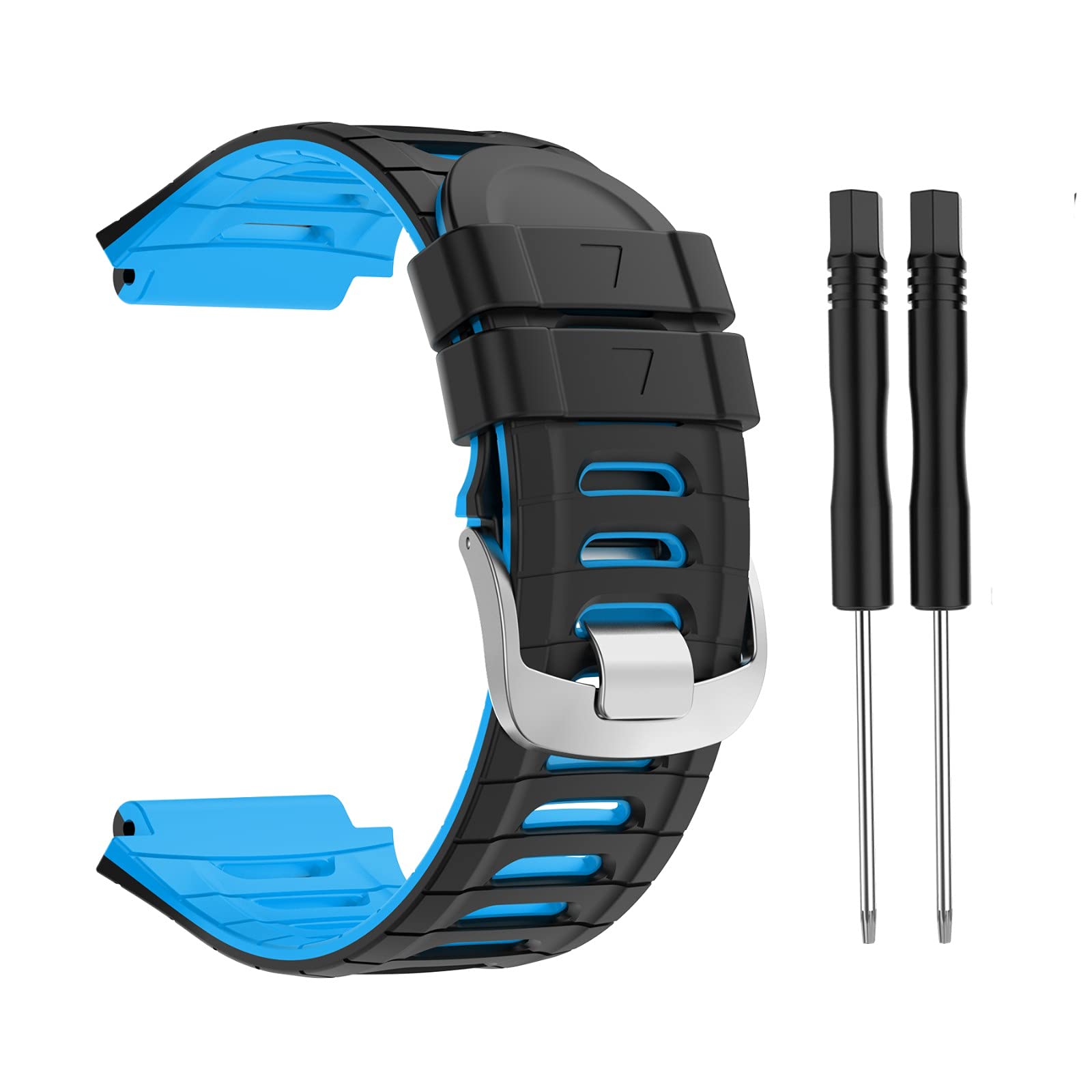
Mi Band 9 — sync minimal data, no storage concern.
Backup strategy mobile
Triple backup:
- iCloud / Google Cloud - automatic primary
- Computer Time Machine / external - periodic
- External SSD - long-term archive
Tần suất:
- Daily: iCloud / Google auto
- Weekly: review storage
- Monthly: manual cleanup
- Quarterly: deep audit
Free up emergency
iPhone:
- Delete photos / videos
- Offload apps unused
- Clear Safari data
- Restart device
Android:
- Clear all app cache
- Delete downloads folder
- Move photos to cloud
- Uninstall unused apps
- Restart
Last resort:
- Factory reset (backup first)
- Reinstall important apps only
- Selective photo restore
Sai lầm thường gặp
| ❌ Sai | ✅ Sửa |
|---|---|
| Never delete photos | Regular cleanup |
| Skip cloud backup | Free auto-backup |
| Apps unused accumulate | Monthly audit |
| Cache never clear | Quarterly clean |
| One device only | Multi-device + cloud |
Buying decision
When upgrade storage:
- < 64GB original: definitely upgrade
- 128GB: OK most users
- 256GB: comfortable
- 512GB+: power users
Cloud vs local:
- Cloud: convenience + sync
- Local: privacy + cost long-term
- Hybrid: both
Cost comparison 4 năm:
128GB phone + cloud:
- Phone $799 (4 năm)
- iCloud 200GB $144 (4 năm)
- Total: $943
512GB phone + free cloud:
- Phone $999 (4 năm)
- iCloud 5GB free
- Total: $999
→ Similar cost long-term. Choose based on cloud comfort.
FAQ chi tiết
Photos optimize trên iPhone lossless?
Yes. Original quality stored iCloud. Device shows optimized version. Re-download when needed.
Google Photos vs iCloud Photos?
- Google: AI search excellent
- iCloud: Apple ecosystem better
- Both work cross-platform
Bao lâu cleanup phone?
- Monthly: check storage
- Quarterly: deep cleanup
- Annually: major audit
Mua external storage cho phone?
- iPhone 15+: USB-C SSD
- Lightning iPhone: Lightning USB drive
- Android: USB OTG / microSD