
Hướng dẫn··7 phút đọc·NenMua Editor
Cách chọn monitor Gen Z VN 2026 — 1080p, 1440p, 4K. Refresh, Color, Panel
Cách chọn monitor Gen Z VN 2026 — IPS vs VA vs OLED, 144Hz gaming, 4K work, USB-C dock.
Mục lục (70 mục)
Tóm tắt nhanh — monitor specs
| Use case | Resolution | Refresh | Panel |
|---|---|---|---|
| Office | 1440p | 60-75Hz | IPS |
| Gaming | 1080p-1440p | 144-240Hz | IPS / VA |
| Video edit | 4K | 60Hz | IPS / OLED |
| Casual | 1080p | 60Hz | IPS |
| Premium | 4K OLED | 120Hz+ | OLED |
Vì sao monitor important
Daily use:
- 4-8 hours typical
- Productivity affected
- Eye strain
- Visual experience
Investment:
- 5-10 năm typical lifespan
- Cost-per-day low
- Long-term satisfaction
Resolution guide
1080p (Full HD):
- 1920×1080
- Cheap option
- Acceptable for small displays (24-27")
- Gaming sweet spot 1080p high FPS
1440p (QHD):
- 2560×1440
- Sweet spot 2026
- 27" perfect
- Productivity + gaming
4K (UHD):
- 3840×2160
- Sharp + detailed
- 27"+ recommended
- Need scaling 150% typical
Ultrawide:
- 3440×1440 (21:9)
- Productivity panoramic
- Gaming wide FOV
- Premium experience
5K (Apple-focused):
- 5120×2880
- Apple Studio Display
- Pro creator
- $$$$$ premium
Panel types
IPS:
Ưu điểm:
- Best color accuracy
- Wide viewing angle
- Most common
- Versatile
Nhược điểm:
- Slower response some
- IPS glow dark
- More expensive
Phù hợp với: Most use cases.
VA:
Ưu điểm:
- Deep blacks contrast
- Better than IPS gaming
- Cheaper typically
Nhược điểm:
- Narrower viewing angles
- Ghosting some
- Color slightly less
Phù hợp với: Gaming + entertainment.
TN:
Ưu điểm:
- Fastest response (~1ms)
- Cheapest
- Good gaming
Nhược điểm:
- Worst color
- Narrow viewing
- Outdated
Phù hợp với: Competitive gaming only (esports).
OLED:
Ưu điểm:
- Perfect blacks
- Best contrast
- Fastest response
- Premium experience
Nhược điểm:
- Burn-in risk (less new)
- $$$$$ expensive
- Less common 2026 (more options 2026+)
Phù hợp với: Premium experience, content creator.
Refresh rate
60Hz:
- Standard
- Sufficient office
- Cheaper
75-100Hz:
- Smoother scroll
- Minor improvement
- Cheap upgrade
144Hz:
- Gaming sweet spot
- Standard 2026
- Noticeably smoother
240Hz+:
- Esports level
- 1% improvement
- Premium gaming
Match GPU:
- 144Hz: need GPU push 100+ FPS
- 240Hz: need GPU push 200+ FPS
- 60Hz: works any GPU
Size + Distance
24" 1080p:
- Comfortable arm length
- Most common
- Affordable
27" 1440p:
- Sweet spot
- More screen real estate
- 60-80cm distance ideal
32" 4K:
- Need scaling 150%
- Premium experience
- 70-90cm distance
Ultrawide 34":
- Replace dual monitor
- 70-80cm distance
- Productivity boost
Multiple monitors:
- 2× 24" 1080p
- Or 1 × 27-32" wider
- Workspace flexibility
Color accuracy
sRGB coverage:
- 99-100% sRGB: web + general
- 100% Adobe RGB: print pro
- 95%+ DCI-P3: video editing
Calibration:
- Out-of-box decent most
- Pro calibrator (X-Rite ColorMunki) for accuracy
- Software calibration good enough
Color depth:
- 8-bit standard
- 10-bit (HDR) premium
- 12-bit pro creator
Connectivity
HDMI:
- HDMI 2.1 supports 4K 120Hz
- HDMI 2.0 supports 4K 60Hz
- Most common
DisplayPort:
- DP 1.4 supports 4K 144Hz
- DP 2.0 supports 8K
- Better gaming high refresh
USB-C:
- Modern laptop standard
- Single cable monitor + power
- 65W+ charging
- Premium feature
Built-in USB hub:
- Connect peripherals via monitor
- Reduce desk cables
- Premium feature
Use case scenarios
Office worker (basic):
- 24-27" 1080p IPS
- 60Hz
- USB-C if laptop
- ~3-5tr
Office worker (premium):
- 27" 1440p IPS
- 75Hz
- USB-C dock
- ~5-8tr
Content creator:
- 27-32" 4K IPS or OLED
- 60Hz
- 100% sRGB color
- Calibration ready
- ~8-15tr
Gamer (competitive):
- 24-27" 1080p-1440p
- 144Hz minimum
- 240Hz esports
- 1ms response
- ~3-8tr
Gamer (immersive):
- 27-34" 1440p-4K
- 144Hz+
- HDR support
- Premium IPS / OLED
- ~10-25tr
Developer:
- 27-32" 4K
- 60-75Hz
- Multiple monitors
- USB-C dock
- ~10-20tr
Top picks 2026
Budget (~3-5tr):
- LG 27UL550 27" 4K ~5tr
- Dell SE2722H 27" 1080p ~3tr
- Samsung S39C 27" 1080p ~3.5tr
- AOC C24G1A 24" 144Hz ~3tr
Mid (~5-10tr):
- LG 27UP850 27" 4K USB-C 90W ~8tr
- Dell U2722DE 27" QHD USB-C ~10tr
- BenQ PD2725U 27" 4K Thunderbolt ~12tr (premium edit)
- MSI Optix MAG274QRF-QD 27" 1440p 165Hz ~7tr
Premium (~12-25tr):
- LG 38WN95C 38" Ultrawide QHD ~22tr
- Dell U4025QW 40" 5K Ultrawide ~30tr
- Apple Studio Display 27" 5K ~40tr+
- ASUS ROG Swift PG27UQ 4K HDR 144Hz ~25tr
Gaming (~7-15tr):
- Samsung Odyssey G7 27" QHD 240Hz ~10tr
- LG 27GP850 27" 1440p 165Hz ~7tr
- MSI Optix MAG342CQ 34" Curved Ultrawide ~10tr
Mua chính hãng ở đâu
Online:
- Lazada brand mall (LG, Samsung, Dell official)
- Tiki
- Phong Vũ
- An Phát PC
Thể chất:
- Apple Store (Studio Display)
- Cellphones / TopZone
- Computer shops Vincom
Specialized:
- Sunhome (premium)
- GearVN (gaming)
- Mai Hoàng (older established)
Setup ergonomic
Position:
- Eye level top of screen
- 50-70cm distance
- Slight downward angle
- Stand adjustable
Stand:
- Built-in adjustable usually
- Monitor arm (Ergotron LX ~3tr) better
- Free desk space
- Customize angle
Ánh sáng:
- Bias light behind monitor (reduce strain)
- Even room lighting
- Avoid: glare reflections
- Adjust brightness ambient
Tools accessories

Various monitors and displays.
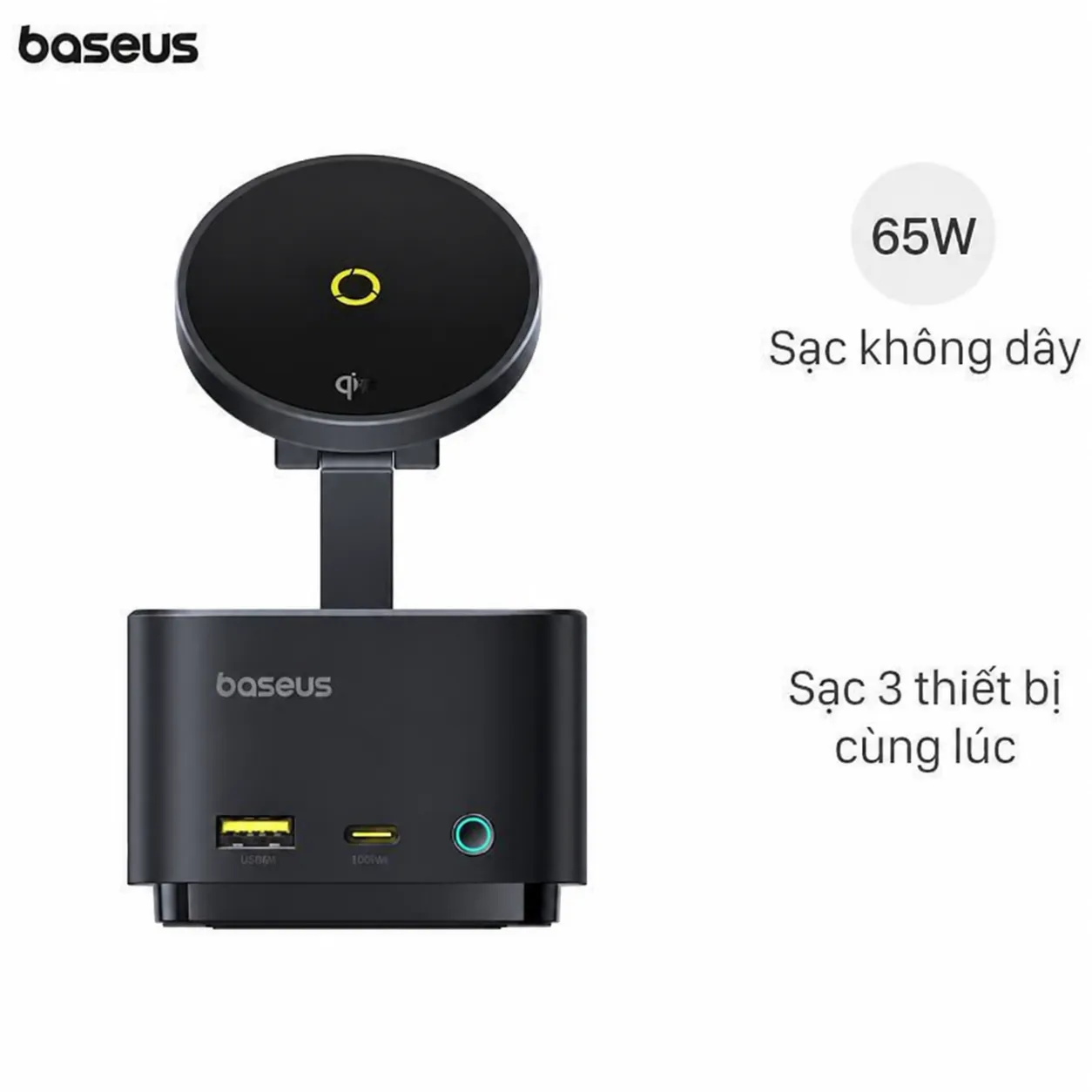
Baseus USB-C Hub — expand laptop connectivity.
Common monitor accessories:
- Monitor arm
- Light bar (Quntis, Mi)
- Cable management
- USB-C dock
Burn-in OLED
Thực tế:
- Static UI elements (taskbar, IDE sidebar)
- Use OLED Care mode (manufacturer)
- Variable wallpaper
- Avoid: permanent dark text bright background
Modern OLED:
- Better burn-in resistance
- 5-10 năm typical lifespan
- Still avoid worst-case scenarios
Multi-monitor setup
Năng suất:
- Coding: 2-3 monitors
- Stock trading: 4-6 monitors
- Video editing: 1 main + reference
Connectivity:
- Multi-port USB-C dock
- DisplayPort + HDMI mix
- Match refresh rates if gaming
Phần mềm:
- Windows snap (built-in)
- PowerToys FancyZones
- DisplayFusion
Sai lầm thường gặp
| ❌ Sai | ✅ Sửa |
|---|---|
| Refresh rate too low gaming | 144Hz minimum |
| Wrong size desk | 27" sweet spot most |
| Bad color | Calibrate or premium |
| Cheap stand | Quality monitor arm |
| Skip USB-C laptop | Single-cable convenience |
Comparison shopping
Compare:
- Lazada brand mall pricing
- Phong Vũ + An Phát PC
- Black Friday sales
- 11/11 + 12/12 promotions
- Trade-in old monitor
Check:
- Warranty 2-3 năm typical
- Return policy 7-14 days
- DOA replacement
- Pixel policy (dead pixels acceptable)
Health considerations
Eye strain:
- 20-20-20 rule (every 20 min, look 20ft, 20 sec)
- Blue light filter f.lux / Night Shift
- Anti-glare matte screen
- Adjust brightness ambient
Neck/shoulder:
- Monitor arm correct position
- Standing desk alternate
- Stretching every hour
- Ergonomic chair
FAQ chi tiết
1440p vs 4K — chọn cái nào?
- Office + light gaming: 1440p
- Video editing + premium: 4K
- Budget: 1440p
- Hardware capable: 4K (need stronger GPU)
144Hz cần thiết không?
For gaming: yes (smoother). For office: 60-75Hz fine. Mid-range pricing now affordable.
OLED đáng đầu tư không?
If budget allows + premium experience: yes. If gaming + creator: worth it. If casual office: 1440p IPS fine.
Mua monitor chính hãng giá rẻ?
- 11/11, 12/12 sales
- Black Friday
- Lazada brand mall sales
- Trade-in old monitor